Openers · Scugog
Smart Garage Controller Setup in Scugog
You are twenty minutes down the highway when the thought lands: did the garage door close behind you? You cannot picture it.
Smart Garage Controller Setup
In plain words
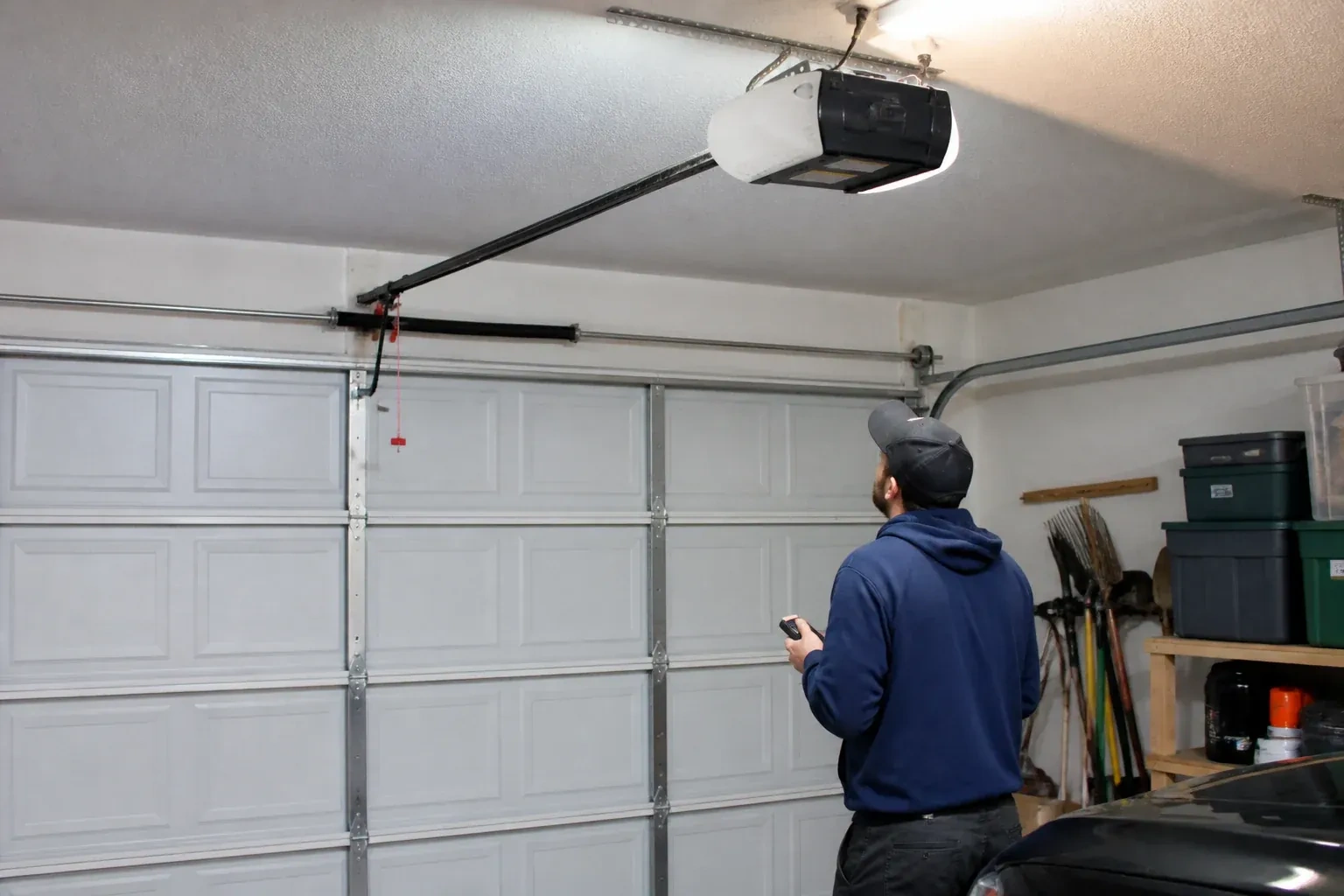
The physical part of the job is modest and tidy. A hub the size of a deck of cards is mounted near the opener and plugged into the same receptacle the motor uses. Where the opener allows, two low-voltage wires run from the hub to the wall-control terminals; where it does not, the hub is taught to the opener through the learn button like an extra remote. A sensor the size of a matchbox is screwed to the inside of the top door section, and its tilt tells the hub the door's position. Then the door is cycled until the app agrees with your eyes.
How the visit goesThere is a wireless symbol printed on the opener above the car, and the manual mentions an app, but the head unit has never been connected to anything. You downloaded the app once, it asked for a serial number and a network, and the moment passed.
Scugog
How the visit goes
Where the sensor will sit
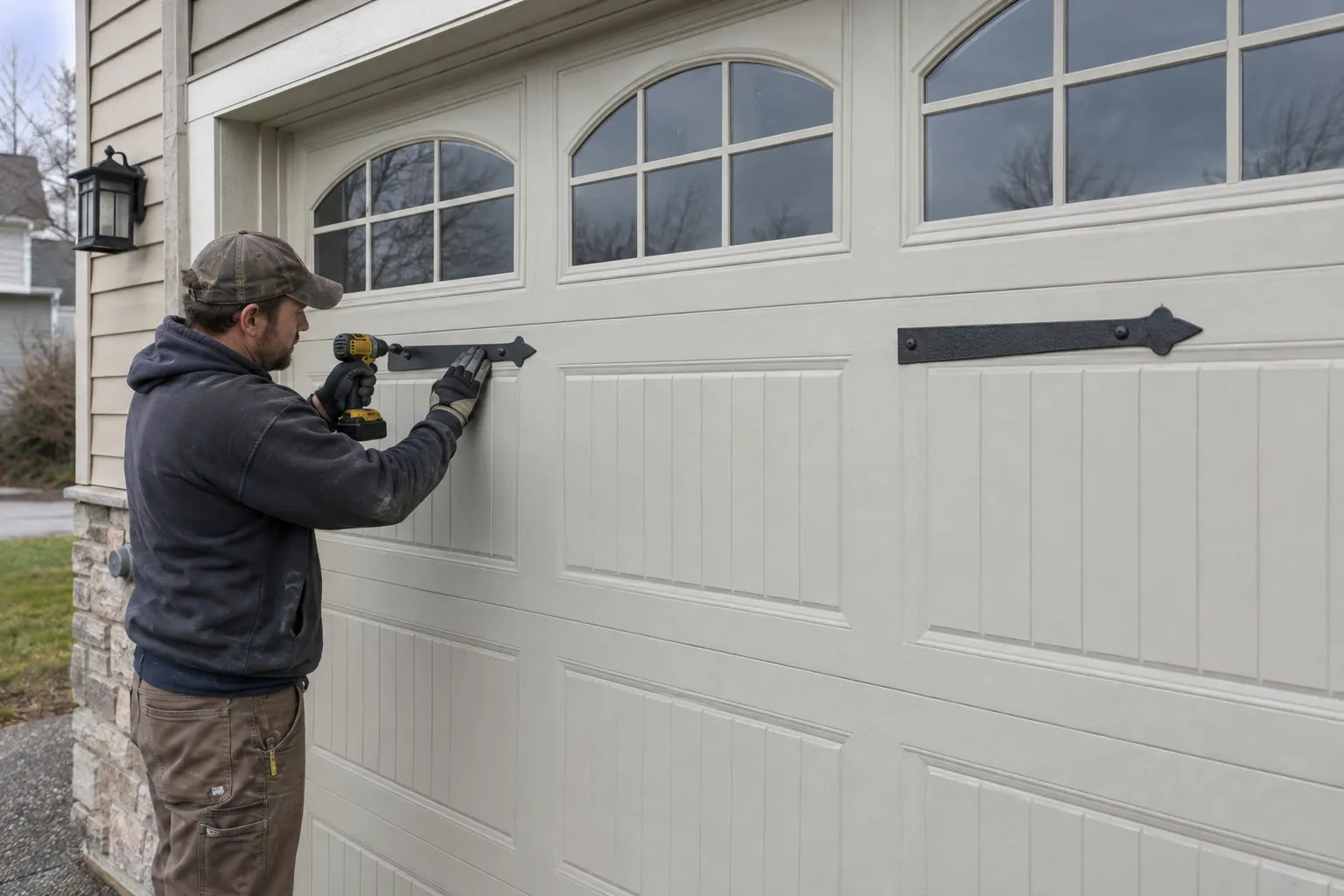
The door-position sensor works by tilt, so it belongs on the inside face of the top door section, near a hinge line and clear of the opener arm, the lock bar and any handle. The technician checks the panel surface, since insulated steel and raised-panel wood doors have different flat spots, and checks the distance and line of sight to the hub. Homes with two doors need a sensor on each. On a door with a window section the sensor is kept away from the glazing frame. The battery type is noted, and the mounting follows the sensor maker's specified fasteners for this climate: screws, an adhesive strip, or tape as a temporary step before screws.
Switching on a built-in radio
When the opener has its own wireless radio, the work is mostly done at the head unit. The technician puts the opener into its pairing mode, usually by a button press or a sequence on the wall console, which broadcasts a temporary network the phone can see. Through the app the owner selects the home network and enters its password; the opener joins, its indicator turns steady, and the serial number from the label registers the device to the owner's new account. The technician then runs the door from the app and from the wall button to confirm position reporting matches the real door, and applies the firmware update the app offers before moving on to alerts and users.
Alerts that earn their place
You leave with a small set of notifications chosen on purpose rather than every option switched on. A left-open reminder after a set delay, a note when the door opens during hours nobody should be using it, and a message when a scheduled close has completed are the ones most households keep. If the alerts become noise, adjust the delays or turn one off rather than muting the app entirely, because a silenced app is the one that stays quiet on the night the door is up. The settings screen you were shown is where each of these lives, and changes take effect at once.
Smart Garage Controller Setup
In the van
- Receptacle splitter with approval mark
- Mounting screws and brackets
- Lithium coin cell or cylindrical cells
- Door-position tilt sensor
- Cable clips and insulated staples
What affects the quote
Same fees day, night or weekend
1Distance to your address
Every visit includes the drive. A home a few streets from the shop and a property well outside town are different trips, and that shows in the quote.
2Door and opener condition
A heavy, binding or badly balanced door is corrected before a controller is added. That door-side work, from rollers to spring adjustment, is quoted on its own.
3Wireless coverage at the garage
A strong signal at the ceiling is a straightforward join. A weak one, common in detached garages, calls for an access point or extender, which is quoted separately.
Smart Garage Controller Setup: questions
Can one controller handle two garage doors?
Many hubs support two doors from one unit, each with its own door sensor, and each door appears separately in the app with its own name, status and history. Openers with built-in radios register individually, so a two-door garage with two connected openers simply shows two doors under one account. The technician confirms which arrangement your hardware supports before the visit.
Can I give a contractor or cleaner access for a day?
Most apps allow guest or scheduled access: a user invited for a set window, or a one-time code, that expires on its own. That is a better arrangement than lending a remote or sharing the family keypad code, because there is nothing to chase back afterwards and the history shows exactly when the door was used. The technician shows you how to create and revoke such access during the visit.
Do you need my Wi-Fi password?
No. The technician will ask you to type it into the app yourself at the right moment and will look away while you do. The same goes for the account password and any verification code. The technician needs to see that the hub has joined and that commands work, not the credentials that made it happen. If you do not know your network password, find it before the visit; it is often printed on the router.
Openers & Access
- Chain-Drive Opener RepairPress the button and the opener hums for a second, then quits.
- Belt-Drive Opener RepairHalfway up, every single time, the door hesitates and there is a ratcheting sound from the motor…
- Garage Door Opener ReplacementThe remotes only work from the end of the driveway now, and one of them disappeared with a set of…
Smart Garage Controller Setup near you
People in Scugog call about garage doors for many reasons, and we have a service for each: the door that stopped, the one that got loud, the one that lets in cold air, the remote that died, the panel that got dented, and the door that has simply had its day.